
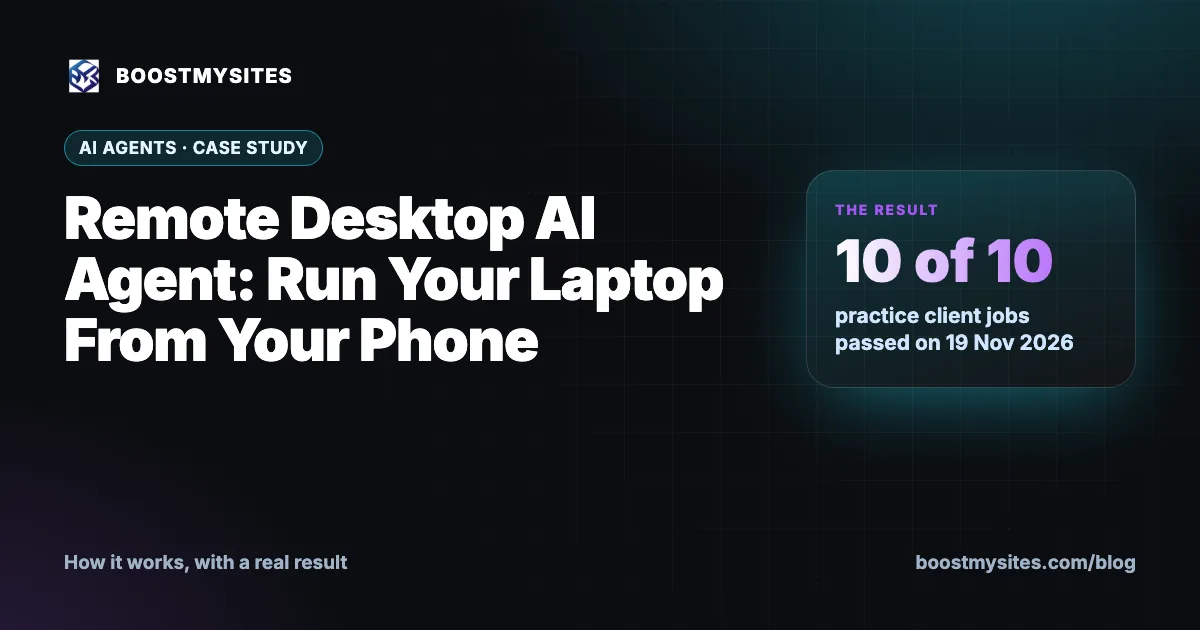
A remote desktop AI agent lets you open your own laptop from your phone, type a task in plain words, and watch an AI do it on your screen. You do not need to be at your desk, and the laptop can even be locked. In the test below, the agent passed 10 of 10 practice client jobs on 19 November 2026, and on a real website handover it stopped at an identity check code instead of guessing.
At a glance
| Service | Remote Desktop with an AI agent: your own laptop, run from your phone or any browser |
|---|---|
| Who it is for | Business owners and teams who need laptop tasks done while they are away |
| Case | 10 practice client jobs, plus a real website handover |
| Period | 19 November 2026 (practice jobs) |
| Result | 10 of 10 jobs passed; on the handover the AI stopped at the identity check code |
What a remote desktop AI agent is
Plenty of small business work still sits on one laptop. The tracking code needs pasting into the website. A WhatsApp QR code needs scanning. A tax paper must be uploaded. If you are travelling or at a site visit, that work waits until you are back.
Remote Desktop solves the first half of the problem: you can open your own laptop from your phone or from any browser, even when the laptop is locked. The AI agent solves the second half. Instead of tapping tiny buttons on a phone screen, you type the job the way you would tell a person, for example "go to my Chrome and log in to LinkedIn". The agent then does the clicks and typing on your laptop while you watch.
Your saved sign-ins are stored encrypted. The agent types them only after you, the owner, allow it. That rule matters, because the agent is working on your real accounts.
The price is $29 a month, or ₹2,499 + GST in India.
How it works, step by step
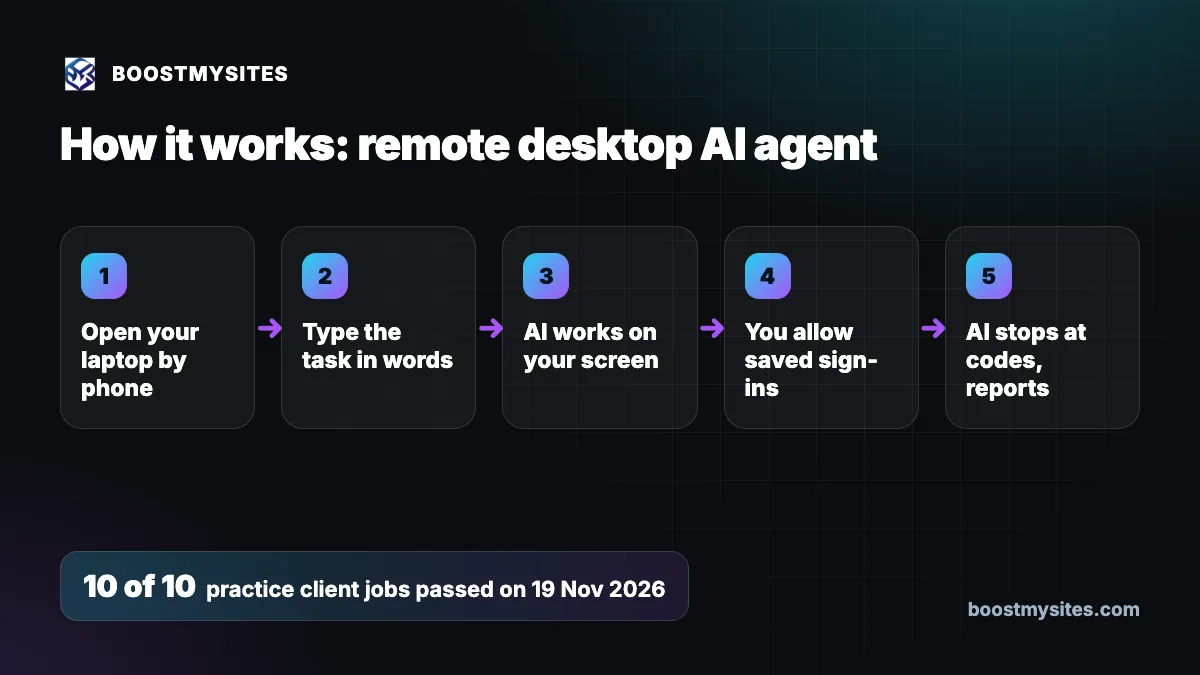
- Open your laptop by phone From your phone or any browser, you open your own laptop. It works even when the laptop is locked.
- Type the task in words You write what you want done in plain words, like "upload the ad photos" or "connect Telegram".
- AI works on your screen The agent reads the screen, opens the right app or tab, and does the steps one by one on your own laptop.
- You allow saved sign-ins When a task needs a password, the agent uses your saved sign-in, which is stored encrypted, and only after you allow it.
- AI stops at codes, reports If a site asks for a one-time code or an identity check, the agent stops and tells you, instead of guessing. When the job is done, it reports back.
Case study: 10 of 10 practice jobs, and a careful real handover
The challenge
Before an AI agent touches a client's laptop, it has to prove it can do the common jobs well. Onboarding a new client involves many small computer tasks. Each one is simple for a person at a desk, and each one can go wrong if an agent clicks in the wrong place or types in the wrong field.
What we did
We gave the agent 10 practice client jobs, each one taken from real onboarding work:
- Copying an OpenAI key
- Uploading an ad photo
- Scanning a WhatsApp QR code
- Signing in to Facebook
- Connecting Telegram
- Uploading GST and PAN papers
- Filling Company Info from the client's website
- Putting a tracking code into WordPress
- A credits checkout without a card
- Reading a checklist back
The tracking code job is the same one a business needs when it wants every website lead counted. You can see why that matters in how a lead generation website for small business captures leads.
The results
On 19 November 2026, the agent passed 10 of 10 jobs. Then it did a real website handover. It opened the locked Mac, found the right deployment on the hosting platform, and chose Promote to Production. When the platform asked for its identity check code, the agent stopped there. It did not try to guess the code or find a way around it. It handed that step to the owner.
The lesson
A good agent is not the one that never stops. It is the one that stops at the right place. Safety rules come first: codes, identity checks and anything that needs the owner's own proof stay with the owner. Everything else, the agent can do.
Common mistakes this fixes
- Work that waits until you are back at your desk. You can start a laptop task from your phone, wherever you are.
- Passwords shared with staff on chat. Saved sign-ins are stored encrypted and typed only after you allow it.
- Tapping through a laptop screen on a small phone. You type one line, and the agent does the clicks.
- Tools that guess when blocked. The agent stops at verification codes and tells you, so nothing risky is tried in your name.
Who should use it
A remote desktop AI agent suits owners who run the business from their phone but keep key tools on one laptop. It also helps small teams where only one person knows the logins. If you often think "I will do it when I get home", this is the best way to get that job done now. For more on how each service works, see the BOOSTMYSITES blog.
Frequently asked questions
Can I control my laptop from my phone when it is locked?
Yes. Remote Desktop opens your own laptop from your phone or any browser, even when the laptop is locked. You then type the task for the AI agent.
How much does a remote desktop AI agent cost in India?
It costs $29 a month. In India the price is ₹2,499 + GST a month.
Is it safe to let an AI agent use my saved passwords?
Your saved sign-ins are stored encrypted, and the agent types them only after you allow it. It also stops at one-time codes and identity checks, which stay your step.
What happens when a website asks for an OTP or verification code?
The agent stops and tells you. On a real website handover it stopped at the platform's identity check code instead of guessing, and the owner finished that step.
What kind of tasks can the AI agent do on my laptop?
Everyday computer jobs, such as uploading photos, signing in to Facebook, connecting Telegram, scanning a WhatsApp QR code, uploading GST and PAN papers or putting a tracking code into WordPress. It passed all 10 of these practice jobs.
If you want laptop jobs done from your phone, with an agent that stops at the right place, start with BOOSTMYSITES. Then read how a cloud desktop for ads lets the AI work in your own accounts and how the onboarding autopilot finishes setup without chasing.