
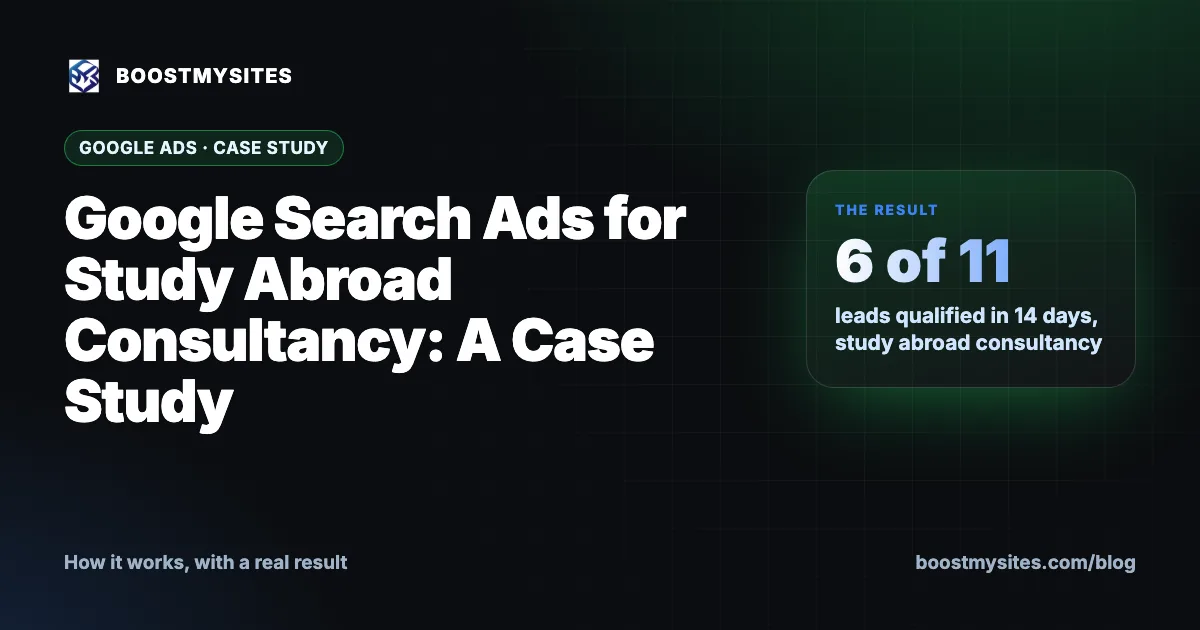
Google Search ads for a study abroad consultancy work differently from social media ads: they reach students and parents at the moment they search for help. In this case study, an overseas education consultancy running Google Search alongside Meta had 11 leads in its CRM in 14 days, and 6 of them were qualified. We also explain the one setup step that holds most Google campaigns back.
At a glance
| Service | Google Search ads, run together with Meta ads |
|---|---|
| Who it is for | Education consultancies, coaching institutes and any business people search for by need |
| Case | A study abroad (overseas education) consultancy |
| Period | 6 to 19 November 2026 (14 days) |
| Result | 11 leads in the CRM, 6 marked qualified |
What Google Search ads are
Google Search ads are the text ads that appear at the top of Google results when someone types a search. You choose the searches you want to show up for, write the ad, and pay Google when people click. The big difference from Facebook or Instagram ads is intent. On social media, you show an ad to people who might be interested. On Google Search, the person has already told Google what they want.
For an overseas education consultancy, that matters a lot. A student searching for help with a university application abroad is already thinking about the decision. The ad does not need to create the interest. It only needs to show that you can help, and make it easy to get in touch.
With BOOSTMYSITES, the AI plans and builds Google Search campaigns in the client's own Google Ads account. Google bills the client directly, so the ad budget never passes through us. As with every campaign, nothing goes live until the owner approves it from the approval link.
How it works, step by step
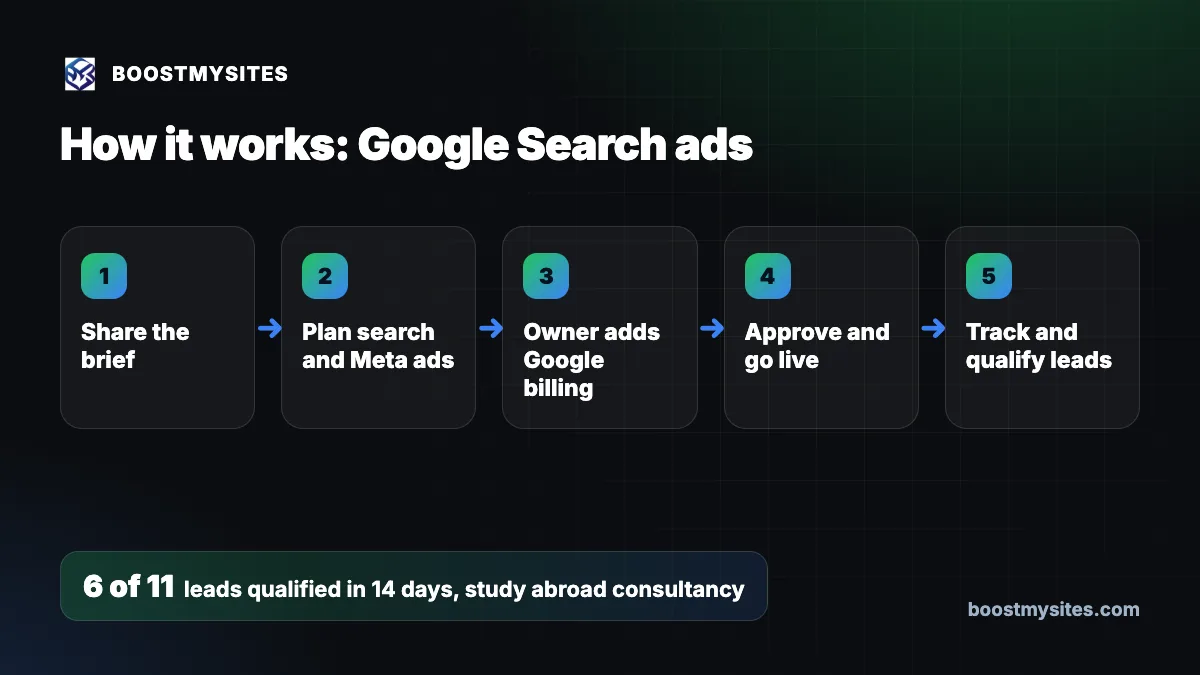
- Share the brief The owner explains the services, the countries or courses covered, the cities to target and who the ideal student or parent is.
- Plan search and Meta ads The AI writes the Google Search campaign and the Meta campaign from the same brief, so both say the same thing in their own format.
- Owner adds Google billing Google Ads needs a payment method and funds added by the account owner. This is the owner's step, because Google bills the client directly.
- Approve and go live The owner checks the exact ads on the approval link and approves them. The campaigns then start in the owner's own accounts.
- Track and qualify leads Every enquiry, from Google or Meta, lands in one CRM where the team marks who is qualified.
Case study: Google Search ads for a study abroad consultancy
The challenge
The client is a consultancy that helps students study overseas. Its buyers are students and their families who are making a big decision, often with a long timeline. For a business like this, the goal is enquiries from people who are really planning to go, not just browsing, with every lead from every channel kept in one place.
What we did
We ran Google Search together with Meta. Google Search was there to catch people already searching for study abroad help. Meta was there to reach students and parents who had not searched yet. Both campaigns were built in the consultancy's own accounts, and every lead from both went into the BOOSTMYSITES CRM.
The Google side had one step that only the owner could do: adding funds and billing to the Google Ads account. Google bills the client directly, so we cannot add a card or pay on the client's behalf. Until that step is done, a Google campaign can be fully built and approved and still not show to anyone.
The results
| Measure | 6 to 19 November 2026 |
|---|---|
| Leads in the CRM (Google Search and Meta) | 11 |
| Marked qualified | 6 |
Eleven leads in two weeks is a small number. But 6 of the 11 were qualified. For a consultancy where each student is a high-value client, a short list of warm leads is easier to work than a long list of cold ones.
The lesson
Two lessons came out of this case. First, search intent brings fewer but warmer leads. People who search on Google have already decided they need help, so the leads that come in tend to be more ready to talk. You should not compare a search campaign with a social campaign on lead count alone.
Second, billing setup is the usual blocker. Most delays on Google campaigns are not about ad wording or targeting. They come from the funds and billing step that Google asks the owner to complete. If you plan to run Google ads, add your payment method early, so the campaign can start the moment you approve it.
Common mistakes this fixes
- Judging Google by lead count. Search leads are fewer but often warmer. Look at how many are qualified.
- Forgetting the billing step. A Google campaign with no funds will not run. We flag this step to the owner from the start.
- Running channels in separate places. When Google and Meta leads sit in different inboxes, nobody sees the full picture. One CRM shows every lead and where it came from.
- Different messages on each channel. Building both campaigns from one brief keeps the offer the same everywhere.
Who should use it
Search ads suit any business that people actively search for: study abroad consultancies, coaching institutes, clinics, legal services, home repairs and many small businesses in India. They are a strong partner to Meta ads, which reach people who have not searched yet. To understand how leads from every channel are kept together, read about our lead tracking CRM for every source, or browse more guides on the BOOSTMYSITES blog.
Frequently asked questions
Are Google Search ads good for study abroad consultants in India?
They can be, because they reach students and parents at the moment they search for help. In this case, 6 of 11 leads were qualified in 14 days with Google Search and Meta running together. Results depend on your market, offer and budget.
Why is my Google Ads campaign not running after approval?
The most common reason is that funds and billing have not been added to the Google Ads account. Google bills the account owner directly, so the owner has to complete this step.
Should I run Google ads or Facebook ads for my education business?
Many consultancies run both. Google catches people who are already searching, and Meta reaches those who have not searched yet. Track both in one CRM and compare qualified leads, not clicks.
Who pays Google for the ads?
You do, directly. The campaign runs in your own Google Ads account and Google bills you. BOOSTMYSITES charges for its own services, starting at $1, with the Basic plan at about ₹5,768 including GST.
How many leads will Google Search ads bring?
Nobody can honestly promise a number. Search usually brings fewer leads than social ads, but they tend to be warmer. Your budget, city and offer decide the rest.
Ready to run search campaigns from your own account, with your approval before anything goes live? Start with BOOSTMYSITES for $1. You may also like how an AI growth plan turns your brief into ready campaigns and how approval links make sure nothing runs without you.