
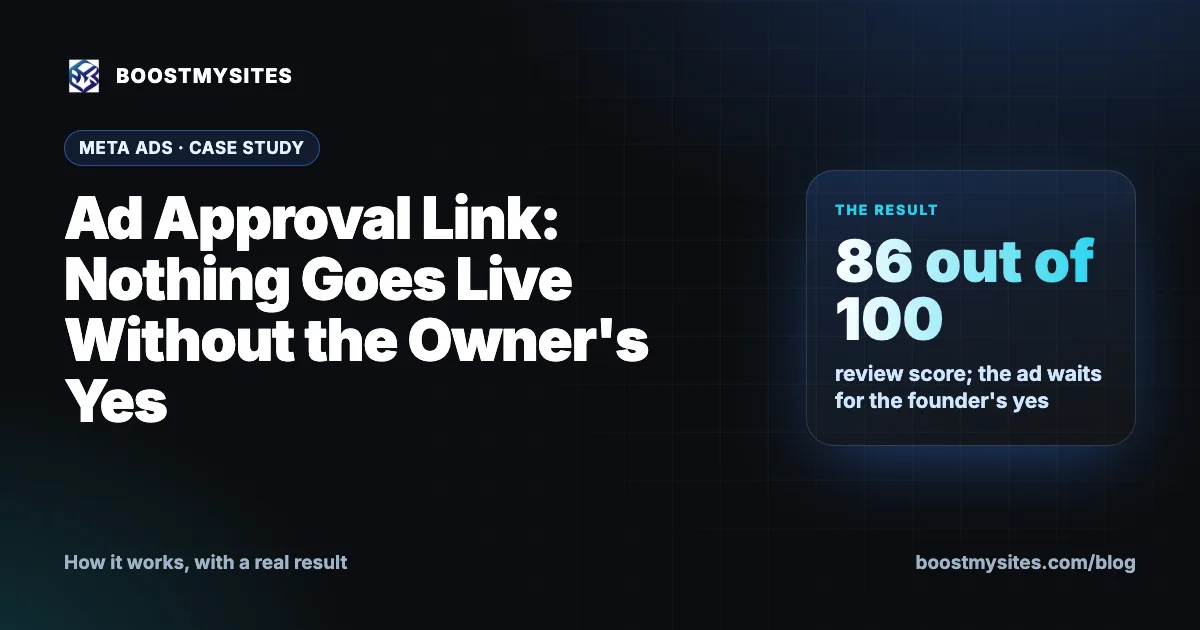
An ad approval link is a simple promise kept in software: nothing goes live without the owner's yes. Every BOOSTMYSITES ad is built paused in the client's own account, and the owner sees the exact ad on a link before a single rupee is spent. In this case study, an MRI software company's WhatsApp ad scored 86 out of 100 in review, had an unsupported claim removed and still waits for the founder's approval.
At a glance
| Service | Approval links: nothing goes live without the owner's yes |
|---|---|
| Who it is for | Every business owner who wants to see an ad before paying for it |
| Case | An AI radiology (brain and spine MRI) software company |
| Period | November 2026 |
| Result | WhatsApp ad scored 86 out of 100 in review, an "accuracy" claim not in the brief was cut, and the ad waits for the founder's approval |
What an ad approval link is
Many owners have had this experience: an agency says the ads are live, and only later do they see what was said in their name. The picture was wrong, the offer was wrong, or a claim was made that the business never makes. By then, money has been spent.
An approval link fixes this. It is a page, sent to the owner on WhatsApp, that shows the exact ad: the pictures, the text, the audience and the budget. The owner reads it and either approves it or asks for changes. Until the owner says yes, the ad stays paused in their own ad account and spends nothing.
The link is built for a busy owner. It opens on a phone, it shows the ad the way a buyer will see it, and it needs one tap to approve. There is no need to log in to Ads Manager or read a report to know what is about to run. Because the ad sits in the owner's own account, the owner can also check it there at any time.
Since 7 November 2026, the approval page also lets the owner edit pictures and wording directly. If one line is not right, the owner can fix it on the page instead of explaining the change in a long message.
How it works, step by step
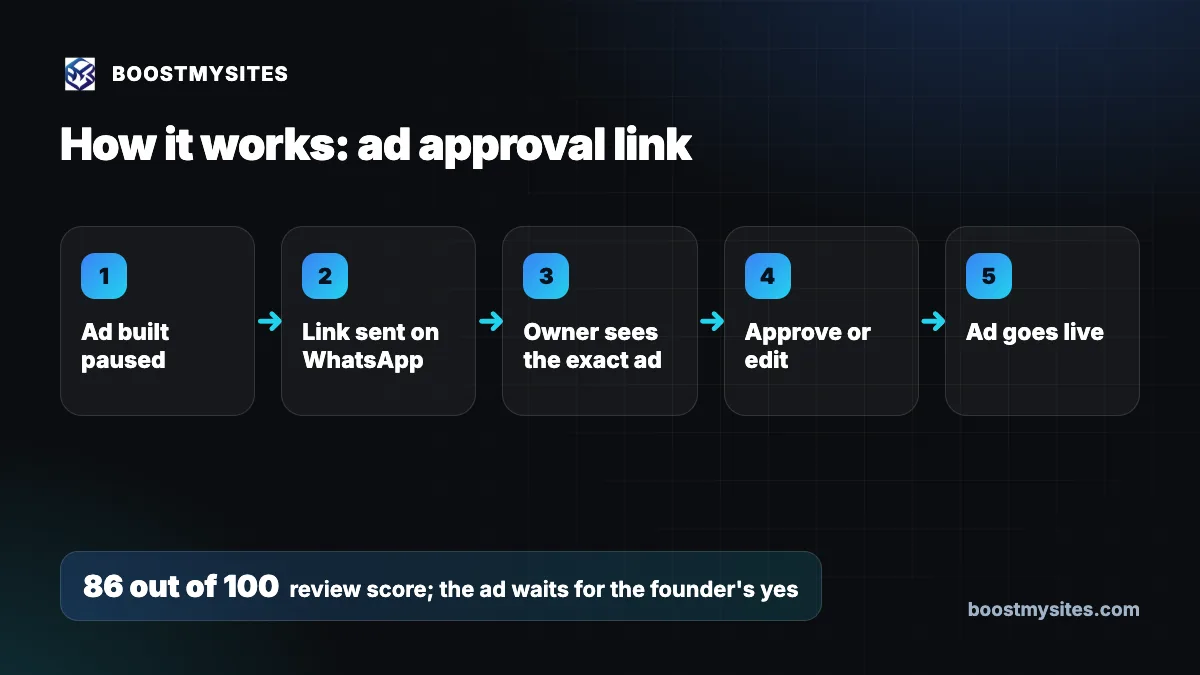
- Ad built paused The AI builds the ad in the client's own Meta or Google account and leaves it paused.
- Link sent on WhatsApp The owner gets an approval link on WhatsApp, so it can be opened on a phone in a few seconds.
- Owner sees the exact ad The page shows the pictures, the ad text, the audience and the budget, exactly as they will run.
- Approve or edit The owner approves, asks for changes, or edits the pictures and wording on the page itself.
- Ad goes live Only after the owner's yes does the ad start, in the owner's own account.
Case study: an MRI software ad that waits for the founder's yes
The challenge
The client makes AI software for brain and spine MRI reporting, sold to diagnostic centres, hospitals and teleradiology firms. In a medical field, words carry weight. An ad that makes a claim the company has not made in its own brief could mislead buyers and put the company's name at risk. The founder needed to be sure that what ran under her name was exactly what she would say herself.
What we did
The AI built the company's WhatsApp ad from the founder's own brief, as part of its AI growth plan and campaign set. The ad also went through a separate review: the AI head-of-performance check, which scores each campaign out of 100.
The review found a problem. The ad wording included claims that were not in the founder's brief, including a claim about "accuracy". Since the founder had not made that claim, it was cut. Only what her brief supported stayed in the ad.
The ad was built paused in the company's own account. It now waits for the founder's approval.
The results
| Measure | Where it stands |
|---|---|
| Review score | 86 out of 100 |
| Claims not in the brief | Removed, including an "accuracy" claim |
| Status | Paused, waiting for the founder's approval |
The honest result is that this ad has not run yet. That is the system doing its job. The ad is ready, it has been checked, and it waits for the one person who should decide: the founder. There are no lead numbers to report, and we will not invent any.
The lesson
Speed is good, but the owner's name matters more. A review can catch a claim that should not be there, and an approval link makes sure the owner sees the final ad before anyone else does. In a field like medical software, removing one unsupported word is worth more than starting a day earlier.
The same rule holds for every client, whatever the size of the budget. A ₹500 a day ad and a large campaign go through the same approval link, and both wait for the owner's yes.
Common mistakes this fixes
- Ads going live unseen. Every ad stays paused until the owner approves it.
- Claims the business never made. The review removes claims not in the brief, and the owner checks the rest.
- Long back-and-forth for small changes. Since 7 November 2026, owners can edit pictures and wording on the approval page.
- Surprise budgets. The approval page shows the budget, so the owner knows what will be spent before saying yes.
- Accounts in someone else's name. The ad is built in the client's own account, and the budget is paid to Meta or Google directly.
Who should use it
Approval links are part of every BOOSTMYSITES campaign, so every client uses them. They matter most for businesses where words carry risk, such as medical, finance and education, and for any small business in India that has been burnt by ads run without its knowledge. For more on how our ads are built and checked, see the BOOSTMYSITES blog.
Frequently asked questions
Can an agency run ads without my approval?
At BOOSTMYSITES, no. Every ad is built paused in your own account and only goes live after you approve it on the approval link.
What does the ad approval link show?
The exact ad: the pictures, the text, the audience and the budget, as they will run.
Can I change the ad text before approving?
Yes. Since 7 November 2026, the approval page lets you edit pictures and wording yourself, or you can ask for changes.
How do I stop an AI from making false claims in my ads?
Write your brief clearly and approve every ad yourself. In this case, the review removed claims not in the founder's brief, including an "accuracy" claim, and the ad still waits for her yes.
Who pays for the ad once I approve it?
You pay your ad budget directly to Meta or Google from your own ad account. BOOSTMYSITES starts for $1 with the first pack.
Want to see every ad before it spends your money? Start with BOOSTMYSITES for $1. Learn how the AI ad optimisation review scores each campaign and how the ad creative check judges every picture.