
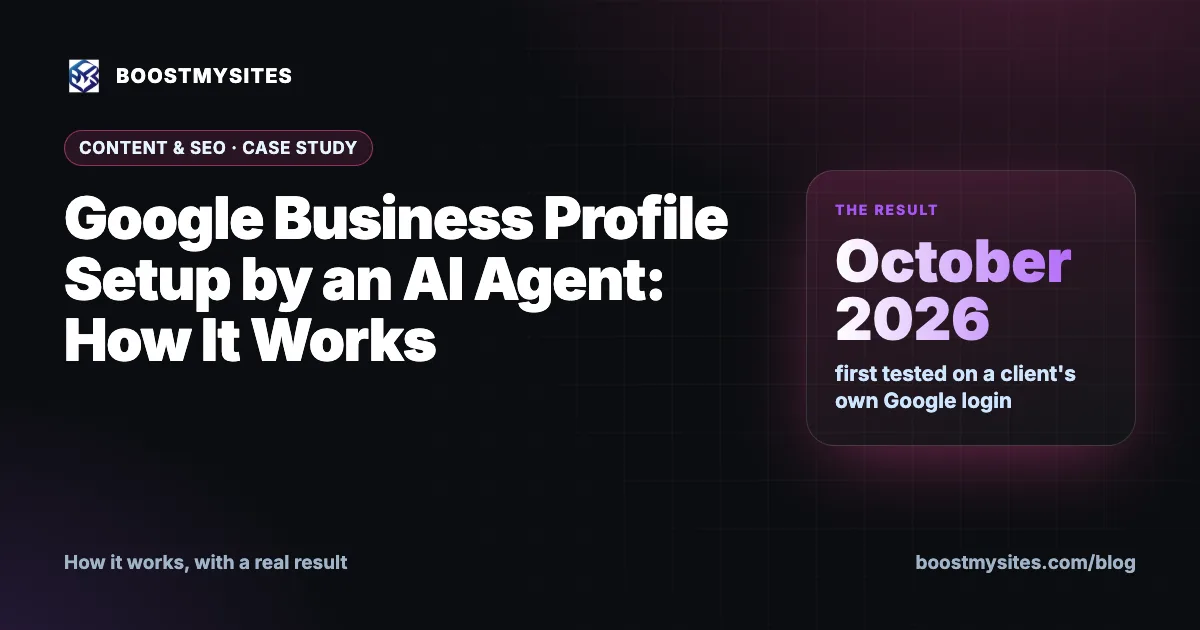
Google Business Profile setup is one of the simplest ways for a local business to show up on Google Search and Google Maps, yet many owners never finish it. BOOSTMYSITES has an AI agent that does the setup on your own Google login, fills in your details and stops exactly where Google needs you. This post explains how it works, and what happened when we first tested it with a client's own Google login in October 2026.
At a glance
| Service | Google Business Profile set up by an AI agent |
|---|---|
| Who it is for | Local businesses and service businesses that want to appear on Google Maps |
| Case | First test on a client's own Google login |
| Period | October 2026 |
| Result | Tested on a real client login; verification by video or code always stays the owner's step |
What Google Business Profile setup is
A Google Business Profile is the box that appears when someone searches for your business name, or for a service near them, on Google Search or Google Maps. It shows your name, category, address or service area, phone number and more. For a small business in India, it is often the first thing a buyer sees, before your website and before your ads.
Setting it up is not hard, but it has many small fields, and it is easy to get stuck halfway. Owners start it, leave it for later, and never come back. Others pick the wrong category or type the phone number in a different format from their website.
Our AI agent handles the form for you. It opens business.google.com/create on your own Google login. It fills in your business name, category, address or service area and phone number, all taken from your Company Info, so the details match everywhere else. Then it stops at the point where Google asks the owner to verify, by video or by a code. That part is always yours, because Google wants proof from the real owner.
Before the agent starts, it helps to check your Company Info once. Use the exact business name your customers know, a phone number that someone actually answers, and the category that best describes your main service. If you visit customers rather than having them visit you, a service area is the right choice instead of a street address. Getting these right at the start saves edits later, because the same details flow into your website and ads too.
There is one more rule. If the listing already belongs to someone else, the agent does not request access. Asking for someone else's listing is a decision for the owner, not for an agent.
How it works, step by step
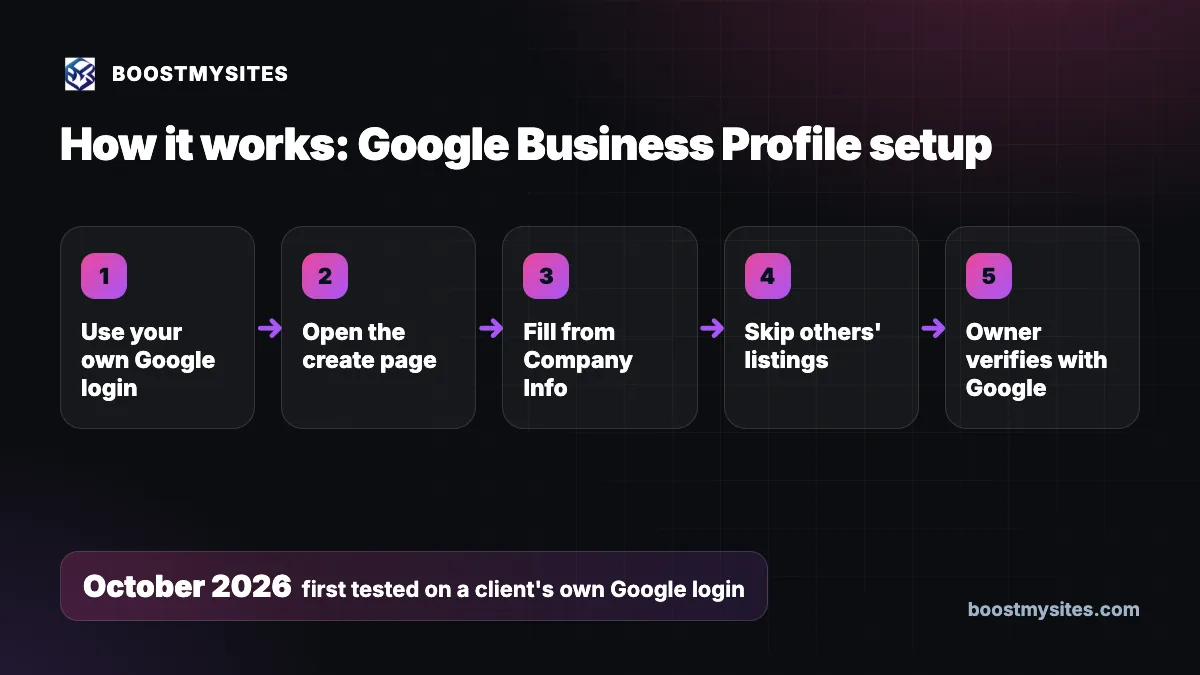
- Use your own Google login The agent works on your own Google account, so the profile is created in your name.
- Open the create page It opens business.google.com/create, Google's own page for a new Business Profile.
- Fill from Company Info It fills the business name, category, address or service area, and phone number from your Company Info, so the details match your website and ads.
- Skip others' listings If the listing already belongs to someone else, the agent does not request access. It leaves that choice with you.
- Owner verifies with Google The agent stops where Google asks the owner to verify, by video or code, and you finish that step.
Case study: the first test on a client's own Google login
The challenge
Before offering this to clients, we had to be sure the agent could do the setup on a real client account, not a test account, without making mistakes or stepping over the line where the owner must act. Google takes ownership seriously, and a wrong move can make a listing harder to verify later.
What we did
In October 2026 we first tested the agent with a client's own Google login, rather than a test account of our own. The test followed the same rules described above: work only on the owner's own login, fill the details from Company Info, never request access to a listing that belongs to someone else, and leave verification to the owner.
The results
We will not claim more than the test itself. We have no ranking, view or call numbers to share from it, and how a profile performs depends on your area, your category and your reviews. What we can tell you is how the agent is set up to work on a real login, and where it stops. To be clear and honest: verification is always the owner's step. The agent does not do it and cannot do it for you. Google may ask for a short video of your business or send a code, and only you can complete that.
The lesson
The useful part of automation is finishing the boring fields correctly and quickly. The safe part is knowing where to stop. For a Google Business Profile, that line is verification and anything to do with a listing someone else owns.
Common mistakes this fixes
- A profile started and never finished. The agent fills the whole form in one go.
- Details that do not match your website. Name, category, address or service area and phone come from your Company Info.
- A profile made on the wrong Google account. It is created on your own Google login.
- Requesting someone else's listing by mistake. If a listing belongs to someone else, the agent does not request access.
Who should use it
Google Business Profile setup suits any business that serves people in a city or area: clinics, salons, schools, coaching centres, shops, contractors and service providers. It also suits businesses with no shop that travel to customers, using a service area instead of an address. If you also want a site for buyers to land on, read about a lead generation website for small business. More guides are on the BOOSTMYSITES blog.
Frequently asked questions
How do I create a Google Business Profile for my small business?
Start at business.google.com/create on your own Google login and fill in your name, category, address or service area and phone. Our AI agent can do this for you from your Company Info.
Can an AI agent verify my Google Business Profile for me?
No. Verification by video or code is always the owner's step. The agent stops there and you finish it.
What if my business is already listed on Google by someone else?
If the listing already belongs to someone else, the agent does not request access. That decision stays with you.
Can I set up a Google Business Profile without a shop address?
Yes. The agent can fill a service area instead of an address, which suits businesses that go to their customers.
Where does the agent get my business details?
From your Company Info on BOOSTMYSITES, so your Google profile matches your website and ads.
If you want your Google Business Profile set up correctly on your own login, start with BOOSTMYSITES. Then read about social media post automation for daily posts and the remote desktop AI agent that works on your own laptop.