
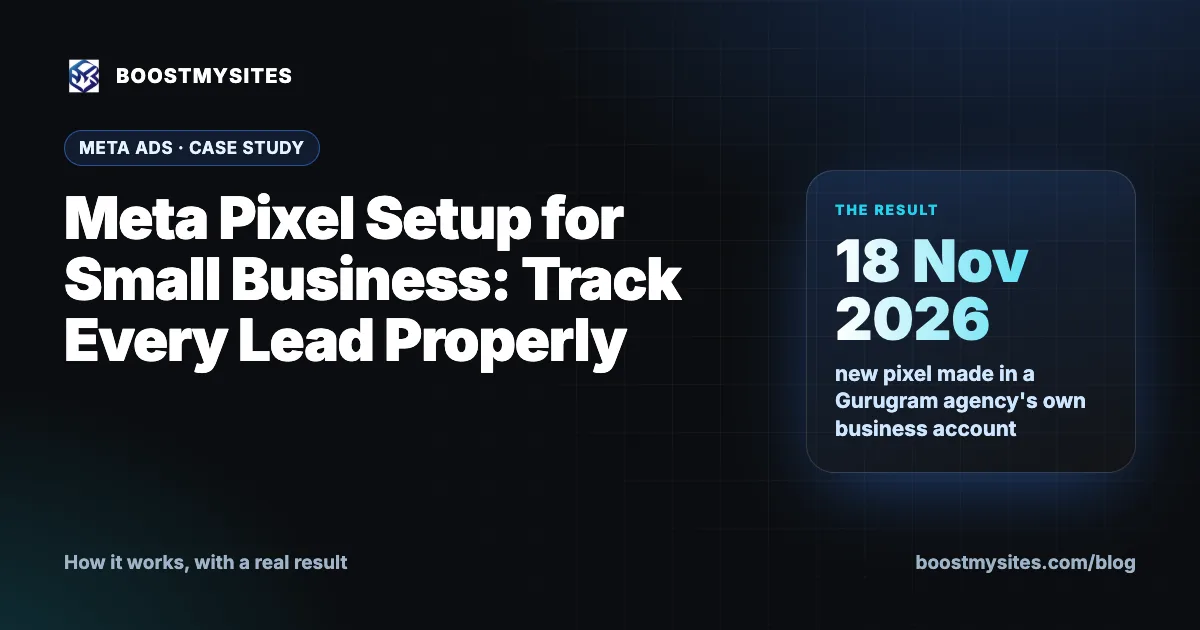
Meta pixel setup is the step that lets Meta see what happens after someone taps your ad: did they visit your site, fill your form or tap your WhatsApp button? We make the pixel in your own ad account and add it to your website, so the data is yours from day one. Below we explain how it works and how a Gurugram agency got its own new pixel on 18 November 2026, running on its own web addresses only.
At a glance
| Service | Meta pixel and conversion tracking |
|---|---|
| Who it is for | Any business running Meta ads to a website or landing page |
| Case | A marketing agency in Gurugram, a BOOSTMYSITES partner |
| Period | 18 November 2026 |
| Result | A new pixel made in the agency's own business account, firing on its own addresses only, with none of our pixels running there |
What Meta pixel setup is
A pixel is a small piece of code on your website. When someone visits a page, fills a form or taps a button, the pixel tells Meta. That is all it does, but it matters a lot.
Without a pixel, Meta knows who saw your ad and who tapped it. After the tap, it is blind. It cannot tell a visitor who left in two seconds from a visitor who sent you an enquiry. With a pixel, Meta can count the enquiries your ads bring, and you can see which ad brought real interest, not just clicks.
The pixel belongs to an ad account. This is where many small businesses go wrong. If an agency makes the pixel in its own account, the data sits with the agency. If you ever change agencies, you start from zero. We always make the pixel in your own ad account, the same account where your ads run and where you pay Meta directly for your ad budget.
A good Meta pixel setup tracks a few clear events. We use three:
- PageView: someone opened a page of your site.
- Lead: someone sent any form on your site.
- Contact: someone tapped your WhatsApp button.
The pixel is one part of tracking. Leads also need to reach one list where your team can see and work them. We explain that in our post on lead tracking with one CRM for every source.
How it works, step by step
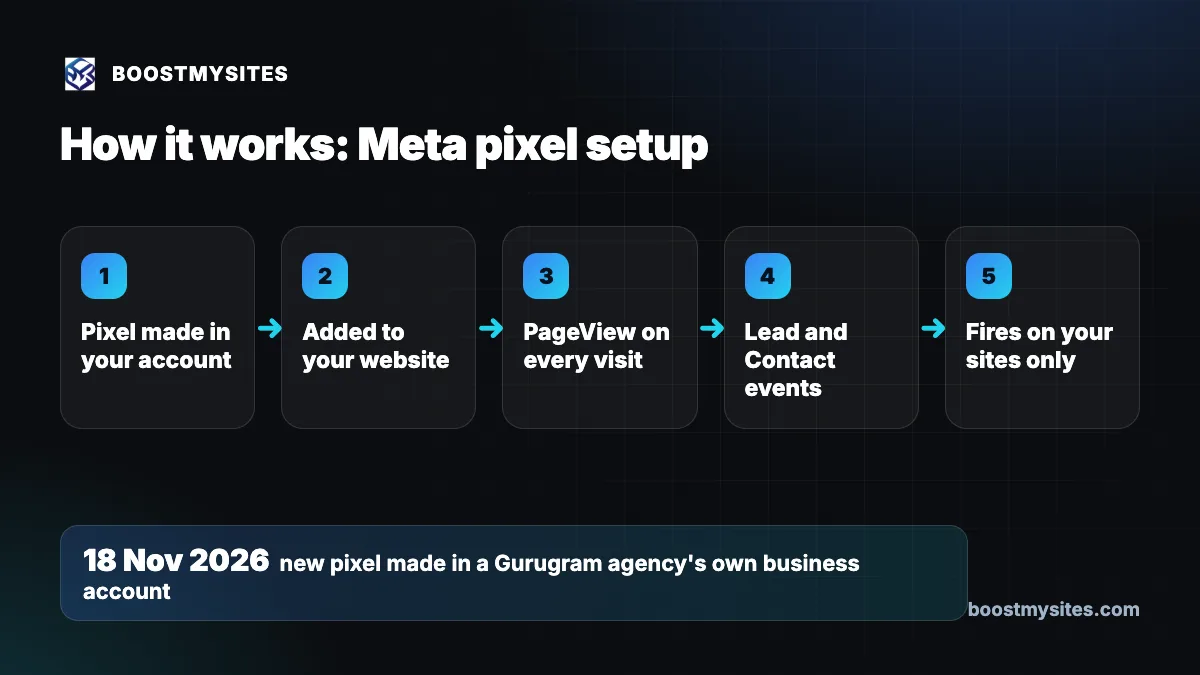
- Pixel made in your account We create the pixel inside your own Meta ad account, so the pixel and its data are in your name.
- Added to your website The pixel code goes on your site. If we built your site, we add it ourselves, and there is nothing for you to paste.
- PageView on every visit Each page visit is counted, so you can see how many people from your ads really reach your site.
- Lead and Contact events A Lead event fires when any form is sent, and a Contact event fires when someone taps your WhatsApp button. These are the moments that matter for a business that sells through enquiries.
- Fires on your sites only Your pixel runs on your own web addresses, and other businesses' pixels do not run on your site. Your data stays clean and yours.
Case study: a new pixel for a Gurugram agency
The challenge
A marketing agency in Gurugram resells BOOSTMYSITES under its own brand, on its own web addresses. An agency like this runs its own ads to win its own clients, so it needs its own tracking. Two things had to be true. The pixel had to sit in the agency's own business account, not ours. And our own pixels must never run on its pages, because then its visitor data would mix with ours.
What we did
On 18 November 2026 we created a new pixel, named after the agency's website, inside the agency's own business account. We set it to fire on the agency's own addresses only. Our own pixels do not run on those addresses at all. Each partner's site runs only that partner's pixel.
The results
The agency now has its own pixel, in its own account, firing on its own pages. Its tracking is separate from ours and from every other partner's. We are not quoting lead numbers from this pixel here, because it was made on 18 November 2026 and this case is about getting the setup right. Where it stands: the pixel is in place, and the agency's ads can now be measured on its own data.
The lesson
Who owns the pixel matters as much as whether you have one. A pixel in your own account, on your own site, with no one else's pixel beside it, gives you data you can trust and keep. A pixel in someone else's account is data you can lose.
Common mistakes this fixes
- No pixel at all. Ads run, but nobody can tell which ad brought enquiries.
- The pixel in the agency's account. The business does not own its own data and loses it when it changes agencies.
- Only PageView tracked. Visits are counted, but forms and WhatsApp taps, the real enquiries, are not.
- Several businesses' pixels on one site. Data mixes and nobody can trust the numbers.
- Owners asked to paste code. A busy owner should not have to edit website code. On a site we built, we add the pixel ourselves.
Who should use it
Every small business that runs Meta ads to a website or landing page, in India or abroad. It matters most if your enquiries come through a form or a WhatsApp button on your site, and if you want to judge ads by enquiries, not clicks. Agencies running their own ads need it too. More guides like this are on the BOOSTMYSITES blog.
Frequently asked questions
How do I set up a Meta pixel for my small business website?
The pixel is made in your own Meta ad account and its code is added to your website. With BOOSTMYSITES we do the Meta pixel setup for you, and if we built your site, we add the code ourselves.
Which Meta pixel events should a small business track?
For a business that sells through enquiries, three are enough to start: PageView for visits, Lead when any form is sent, and Contact when someone taps your WhatsApp button.
Can the Meta pixel track WhatsApp button clicks?
Yes. We set a Contact event to fire when a visitor taps the WhatsApp button on your site, so those enquiries are counted too.
Should my pixel be in my own ad account or my agency's?
Your own. Then the data stays with you, whichever team runs your ads. We always make the pixel in the client's own account.
What does Meta pixel setup cost?
The pixel itself is part of Meta's ad tools. Your ad budget is separate and paid directly to Meta from your own account. Work our AI does is charged in credits, and every charge shows on your credits page.
Ready for tracking you own? Start with BOOSTMYSITES for $1 and we will set up your pixel in your own account. See also how we build websites built to capture leads, and how Meta lead form ads brought a Kolkata project its enquiries.