
Cold email outreach still works for small businesses, but only when the emails reach real people at real addresses. Most failed campaigns fail before anyone reads them: the list is old, half the addresses bounce, and the mailbox gets marked as spam. This guide shows how BOOSTMYSITES finds prospects, verifies every email, and sends from your own mailbox, and how we launched our own campaign to business owners with the same finder.
At a glance
| Service | Email marketing and cold email with verified addresses |
|---|---|
| Who it is for | Businesses that sell to other businesses and want new conversations every week |
| Case | BOOSTMYSITES' own cold email campaign to business owners |
| Period | Launch stage |
| Result | Campaign launched with this finder; no reply numbers shared yet |
What cold email outreach is
Cold email means writing to a business that does not know you yet, with a short, useful message and a reason to reply. It is not the same as a newsletter. A newsletter goes to people who signed up. A cold email goes to people you chose because your service fits them.
The quality of the list decides almost everything. If you buy a list, many addresses will be wrong, and every bounce tells email providers that your mailbox may be sending spam. After enough bounces, even your good emails land in the spam folder.
So our process starts with finding the prospects ourselves and checking every address. Prospects come from Google Maps and from company websites. Each email address is checked in three ways: by common address patterns, by the domain's MX record (which shows whether the domain can receive mail at all), and by an email verifier. Only addresses the verifier marks "valid" are kept. Everything else is dropped.
The message itself should be short and plain. A good cold email says who you are in one line, why you picked this business, and what you could help with. It ends with one easy question that the owner can answer in a few words. Long emails with big claims, many links or heavy pictures look like advertising, and busy owners delete them. Follow-ups should be shorter still: a polite nudge a few days later, not the same pitch again.
Timing and fit matter more than volume. Ten emails to businesses that truly need your service can start more conversations than a thousand to anyone with a website. That is why the scoring step below exists, and why we would rather send fewer, better emails.
Then an AI gives each prospect a score, so the best fits come first. The emails go out as a sequence with follow-ups, from your own mailbox, in your own name. Email marketing costs 10,000 credits for a month.
How it works, step by step
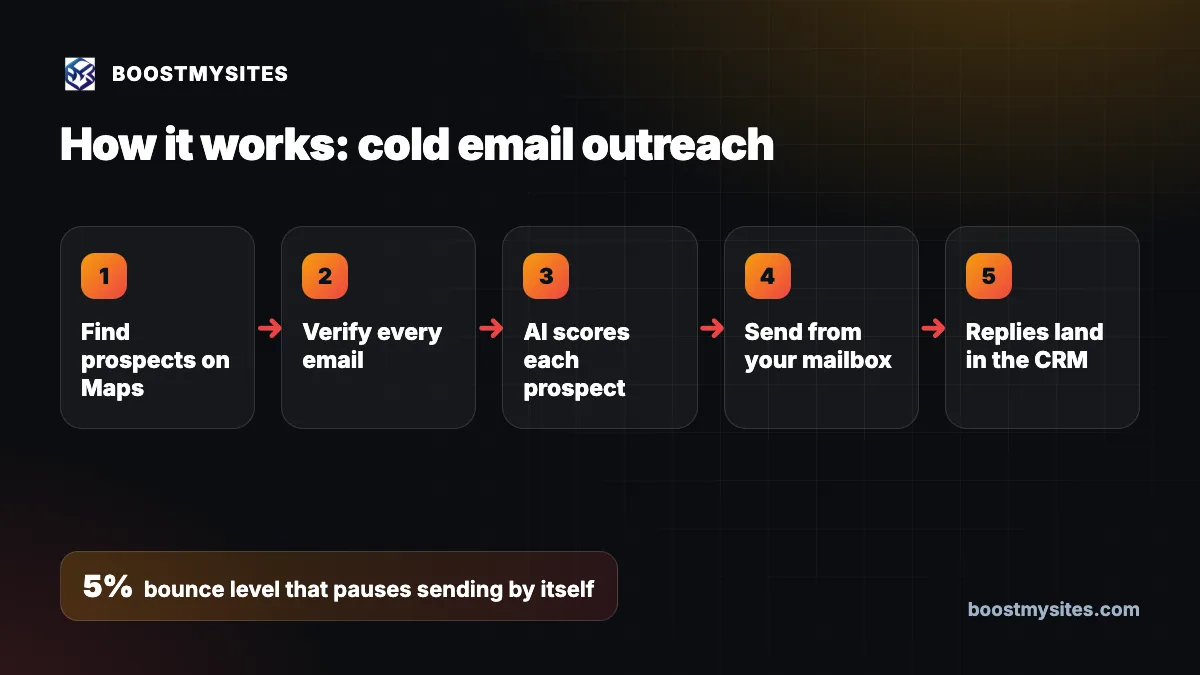
- Find prospects on Maps We find businesses that match your buyer on Google Maps and on their company websites, so the list is current and real.
- Verify every email Each address is checked by patterns, by the MX record and by a verifier. Only "valid" addresses are kept.
- AI scores each prospect An AI scores every prospect on how well it fits your offer, so you write to the best ones first.
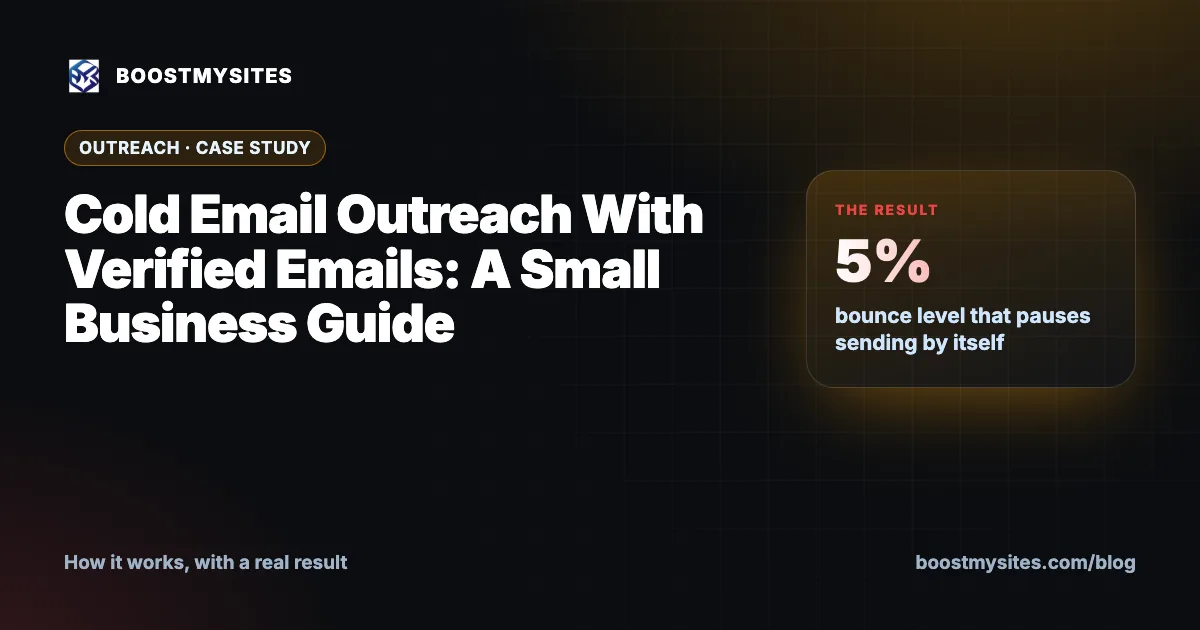
- Send from your mailbox The sequence, with its follow-ups, goes out from your own mailbox. A new mailbox warms up at 15 emails a day, and sending pauses by itself if bounces pass 5%.
- Replies land in the CRM When someone replies, they appear in your CRM as a hot contact, ready for you or your team to answer.
Case study: our own campaign to business owners
The challenge
We wanted to reach business owners who could use AI to get more clients, without buying a list and without risking our sending reputation. A campaign that bounces or gets flagged as spam does more harm than no campaign at all.
What we did
We launched our own cold email campaign to business owners using this exact finder. Prospects were found on Google Maps and on company websites. Every email went through the pattern check, the MX check and the verifier, and only valid addresses stayed on the list. Each prospect was given an AI score. The sequence was set up with follow-ups, from our own mailbox, with the warm-up pace and the 5% bounce pause in place.
The results
The campaign was launched with this finder. We are not sharing reply numbers in this post, so we will not quote any. What matters for you is the method: a clean list, a slow start for new mailboxes, and an automatic stop if something goes wrong.
The lesson
In cold email outreach, protecting your mailbox comes first. Verified addresses, a slow warm-up and a bounce limit are what keep your emails in the inbox long enough for anyone to reply.
Common mistakes this fixes
- Buying an old email list. Prospects are found fresh from Google Maps and company websites.
- Sending to guessed addresses. Only addresses that pass the verifier as "valid" are kept.
- Starting a new mailbox at full speed. New mailboxes warm up at 15 emails a day.
- Ignoring bounces until it is too late. Sending pauses by itself if bounces pass 5%.
- Replies buried in the inbox. Every reply lands in the CRM as a hot contact. See how lead tracking puts every source in one CRM.
Who should use it
Cold email outreach suits agencies, consultants, software firms and service businesses that sell to other businesses, in India or abroad. It works best when you can name the type of business you help and the city or region you serve. It is the best way to start conversations with owners who do not see your ads. Find more guides on the BOOSTMYSITES blog.
Frequently asked questions
How do I find verified email addresses for cold email outreach?
Find prospects on Google Maps and their company websites, then check each address by pattern, by the domain's MX record and with an email verifier. Keep only the ones marked valid.
How many cold emails can a new mailbox send per day?
We warm up a new mailbox at 15 emails a day. Starting slowly protects your sending reputation.
What happens if too many emails bounce?
Sending pauses by itself once bounces pass 5%, so a bad patch of addresses cannot damage your mailbox.
What does email marketing cost with BOOSTMYSITES?
Email marketing costs 10,000 credits for a month.
Do the cold emails go from my own email address?
Yes. The sequence and its follow-ups are sent from your own mailbox, and replies come into your CRM as hot contacts.
If you want cold email that reaches real inboxes and brings replies into one list, start with BOOSTMYSITES. Then read about LinkedIn outreach automation at a safe pace and the AI lead desk that follows up and books meetings.